

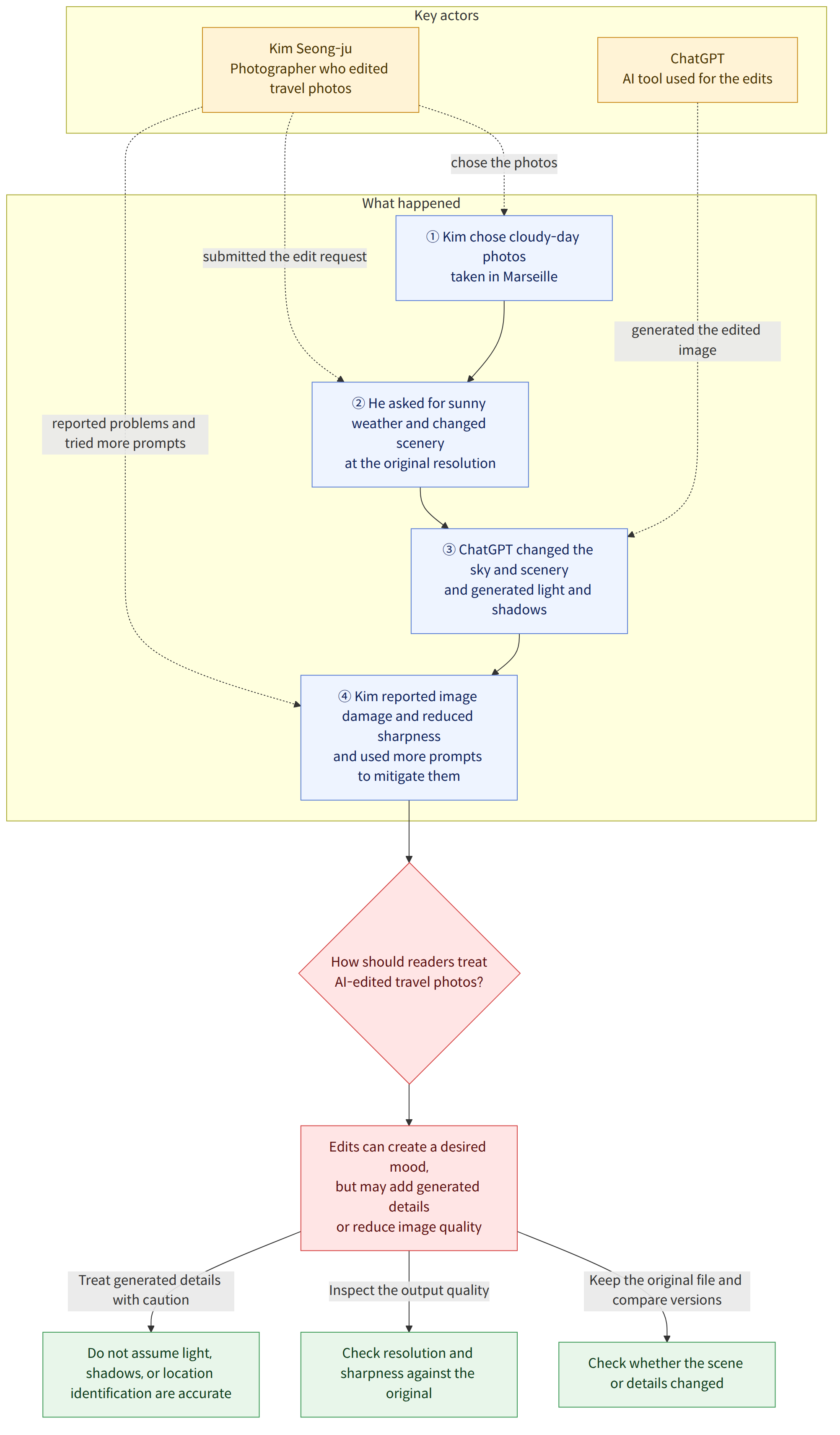
Photographer Kim Seong-ju used artificial intelligence (AI) to edit travel photos taken on a cloudy day, changing the weather and surrounding scenery. In “Kim Seong-ju’s AI Recipe” (김성주의 AI 레시피), published on October 9, 2026, he described editing photos he took during intermittent showers in Marseille, southern France. He called a six-night, seven-day Mediterranean cruise the most romantic experience of his more than 10 years of travel. The results changed not only the sky but also the light and shadows, though he also encountered problems with damage to the original images and reduced sharpness.
Background and context
Travel photos are heavily affected by weather and light. While looking back at photos from destinations where he had been disappointed by bad weather during a short stay, Kim attached one to ChatGPT (챗지피티) and asked it to edit the image. His prompt (an instruction entered into an AI system) asked it to change the cloudy weather to sunny conditions, add a sunset and clouds at dusk, and adjust the surrounding scenery to match the changed sky.
He also specified that the edited images should be output at the original resolution and that the work should be summarized in a table. Kim said that in some cases, ChatGPT even identified where the photo had been taken based on information about buildings and other features. However, the article does not independently verify how accurate those identifications were.
The edits went beyond changing the color of the sky. Kim said they also generated reflected light on buildings and the water, as well as shadows cast by people. This shows that AI editing can change the mood of a photo while also creating details that were not in the original scene.
What this news means
AI photo editing can be a way to bring photos that were disappointing because of the weather closer to a desired mood. The original article also introduces Luminar Neo (루미나 네오) and Evoto AI (에보토 에이아이), AI-based image-editing programs, as well as Picnic (피크닉), a smartphone app. It explains that the programs can replace the sky or background, fine-tune the sky’s color and shape, and add reflected light and sunlight. Smartphone apps are quick and convenient, but their results can look somewhat unnatural.
An edited photo may not be a faithful record of the weather at the time of the trip; it may be the actual scene with elements generated by AI added to it.
For example, changing a photo of a beach taken on a cloudy day to a sunny one may also generate reflections of sunlight or shadows that were not visible in the original. This can be convenient when using photos as personal mementos or sharing them, but when using them as a record of the weather and scenery at the time, it is better to keep the original and edited versions distinct. This is a possible interpretation given that photos may contain generated elements.
Kim said that AI sometimes damaged the original image or produced results with less sharpness than the original. He used additional prompts to improve or mitigate the problems, but the article does not specify what instructions he used. The possibility of getting the desired result therefore needs to be considered alongside the limitation that the output cannot always be trusted as-is.
What has been confirmed and what remains unknown
Confirmed facts
- Photographer Kim Seong-ju attached travel photos taken on a cloudy day in Marseille to ChatGPT and asked it to edit them.
- His prompt included requests to change the weather and surrounding scenery, output the images at the original resolution, and summarize the work in a table.
- Kim said the edited results generated reflected light on buildings and water, as well as shadows cast by people.
- He said he experienced damage to the original images and reduced sharpness, and that additional prompts helped improve or mitigate these problems.
- The article lists Luminar Neo, Evoto AI, and the smartphone app Picnic as examples of editing tools.
What remains unknown
- What specific versions of the programs and app mentioned in the article were used, and how much do they cost?
- What specific additional prompts can be used to prevent a loss of resolution or changes to the scene in the original photo?
- The article does not establish how accurate the location identifications or the generated light and shadows were.
What readers should check
- Keep a separate copy of the original file before editing, then compare the edited version with it side by side to see whether the scene or any details have changed.
- Check the resolution and sharpness of the result. Even if you ask for the output to be at the same resolution as the original, you cannot assume that the actual result will be of identical quality.
- Before choosing a program or app, check the features you intend to use, the version, and the cost. The article does not provide specific versions or prices for the tools.